A private lesson teacher's dream app.
Your own classroom — the week ahead, what to practice, and what is owed. One place, instead of a diary, a personal phone number, a spreadsheet and a stack of envelopes.
In private testing. Not yet on the App Store.
What it looks like
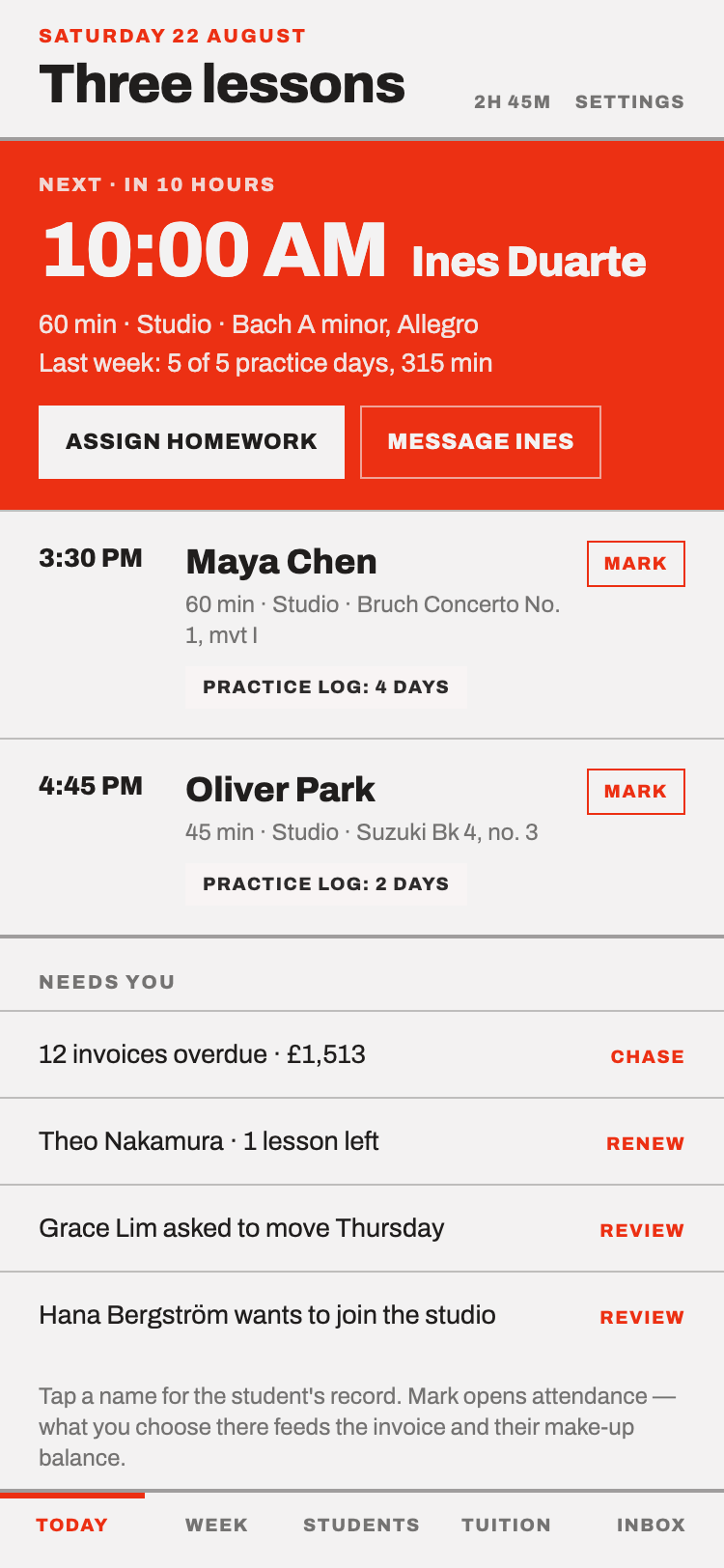
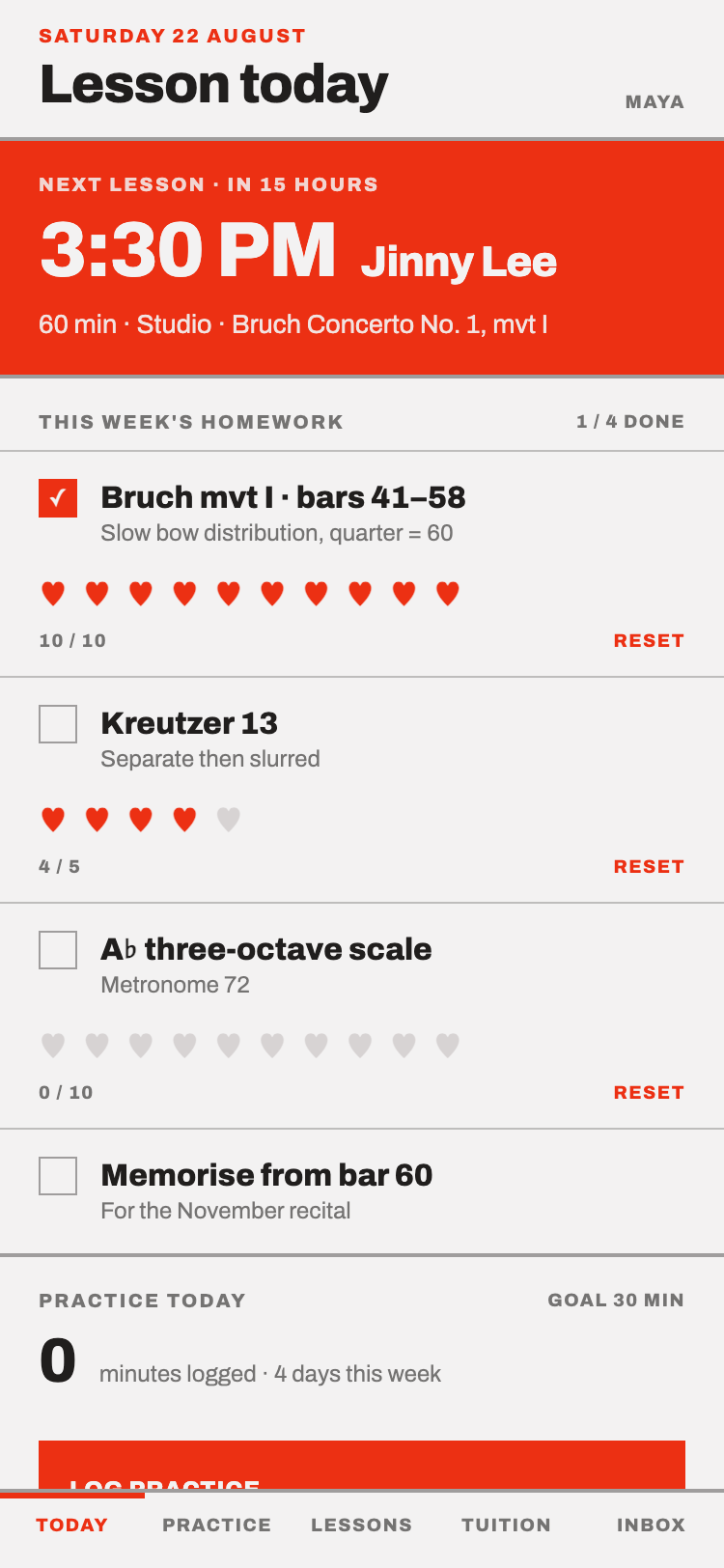
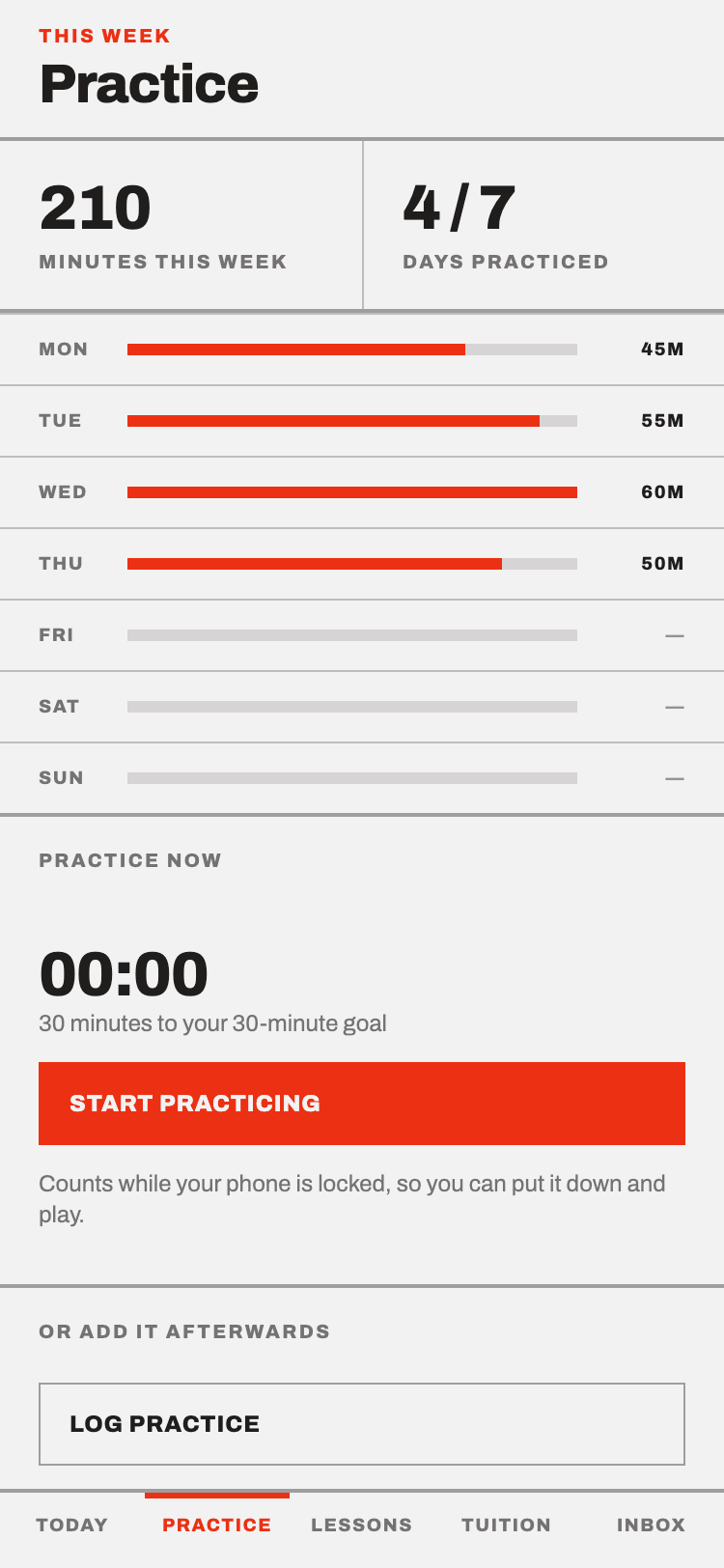
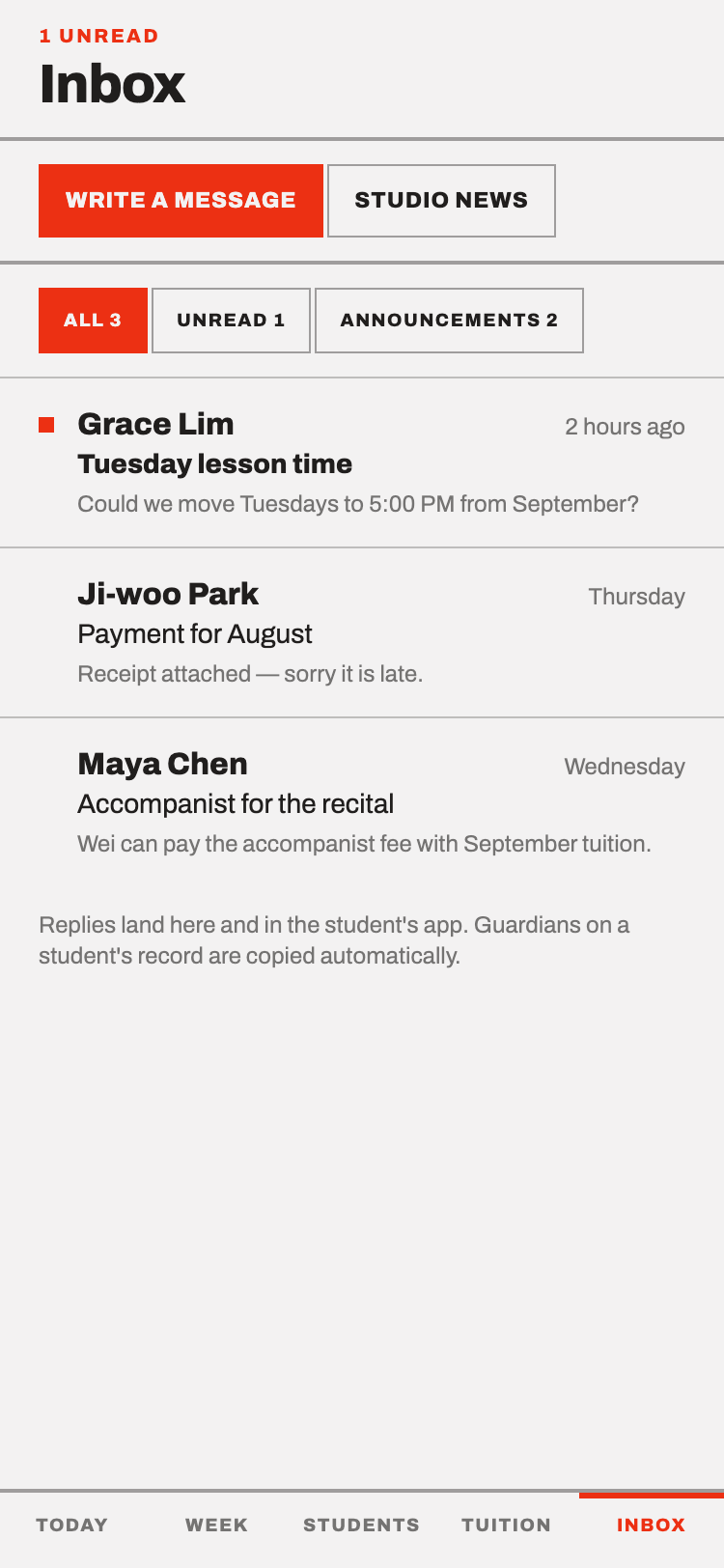
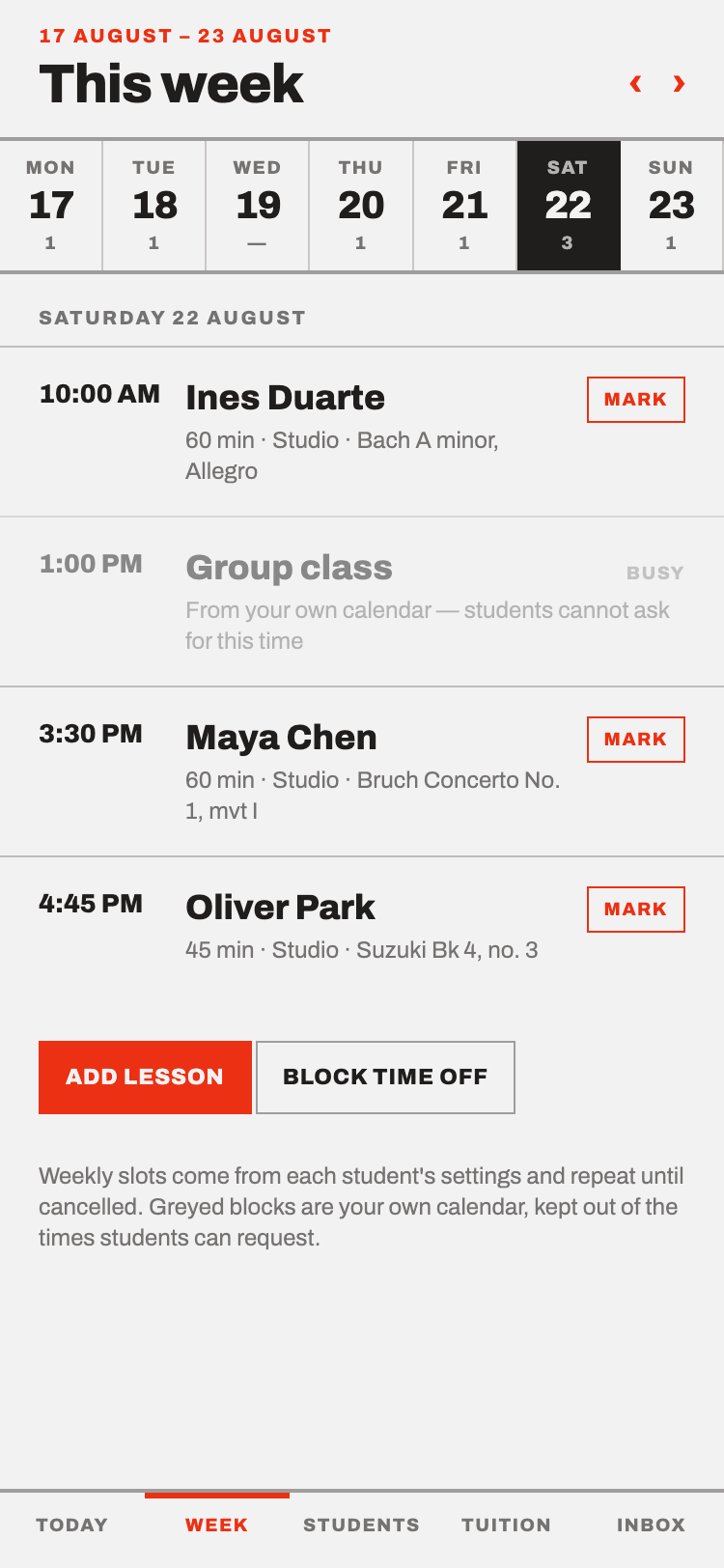
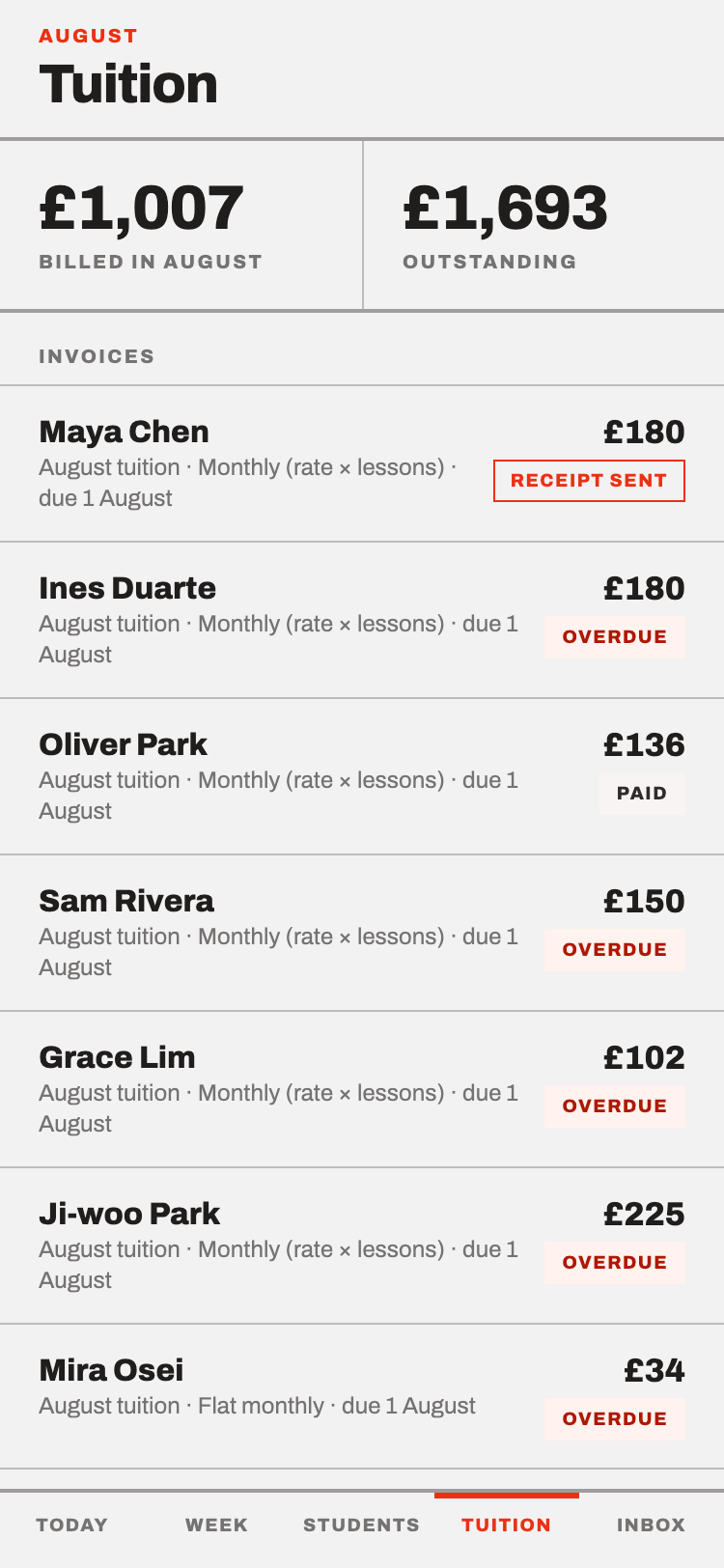
A real studio, with invented students. Nobody's actual lessons are shown here.
A room of your own
Teaching from home means the studio and the rest of your life share a phone. This puts a door between them.
- Your number stays yours
- Families reach you inside the app. You never hand out a personal number to get a lesson booked.
- One thread, not five
- Messages, homework, schedule changes and invoices are in the same place as the lesson they are about — not scattered across text, email and a scrap of paper.
- Quiet hours
- The studio has hours it does not send anything. A reminder due at eleven at night arrives that evening instead.
- Nothing happens without you
- Joining, moving a lesson, cancelling — every one of them is a request you approve, not something done to your week.
For the teacher
- The register
- Every student, their slot, their instrument, what they are working on.
- The week
- Lessons repeat on their own. Move one, or close the studio for a week, and everyone sees it.
- Homework
- Set what to practice. Record a short reference clip in the lesson, so the sound goes home with them.
- Messages
- Talk to a student or a guardian in the app, on the record, attached to the studio rather than to your phone.
- Tuition
- Invoices are raised on the schedule you set, and marked off as they are paid.
For students and guardians
- What to practice
- This week's homework, with the teacher's own recording to play against.
- Practice
- Log what was done. The teacher sees it before the next lesson, not after.
- What is owed
- Invoices and what has been paid, without having to ask.
- Changes
- Ask to move a lesson inside the studio's own notice period. The teacher approves it.
Practice, between the lessons
The week between two lessons is where the playing actually improves, and it is the week nobody can see. This is the part the app is really for.
- A list to tick off
- Homework is a short ordered list, not a paragraph to interpret. Each line is ticked off as it is done.
- Counted, not guessed
- A line can carry a target — five times, slowly — and the count goes up one at a time. "Practice it" becomes something you can finish.
- The right sound
- The teacher records a short clip in the lesson. At home it plays back, so the practice is against how it should sound, not a memory of it.
- A practice diary
- How long, and what was covered. It adds up over the week into something honest.
- Seen in time
- The teacher reads it before the next lesson. A week that went badly becomes something to plan around, not a surprise on the day.
Tuition, with nothing taken out
The app raises the invoices, shows the family what is owed, and lets you mark each one paid. It does not handle the money.
That is deliberate. Card processors take a percentage of every lesson you teach, forever. Keep being paid the way you already are — bank transfer, cash, whatever you and the family use — and let the app do the part that is actually tedious: remembering who owes what, and chasing it.
Anywhere
Nothing about the app is tied to one country. Set your studio's currency and it is used everywhere money appears — fifteen of them, from pounds and dollars to won and yen, each with the right number of decimal places.
The app itself is in English for now.
Joining a studio
You cannot sign up for a studio on your own, and there is nothing to browse. A teacher gives you a code that looks like this:
TES-1993
Enter it in the app, and the teacher approves the request before anything is shared with you — or with them.
What it holds, and who can read it
Lesson records, practice, tuition and any clips recorded in the app are readable only inside the studio they belong to. No studio can see another. Nothing is sold, nothing is advertised against, and nothing is used to train anything.
The privacy notice lists every field that is stored, where it is kept, and how to have it deleted.